

Save something from samsung.com
Found a product on samsung.com that is not in the shop? Add it to your wishlist in three steps.
- Shop on samsung.com
samsung.com opens in a new tab. Find the product you want to save.
Shop on samsung.com - Copy the product link
Copy the address of the product page from your browser.
- Paste it here
Giftze fills in what it can. You check the title and price.
Giftze does not read samsung.com for you. You check the title and price before anything is saved.
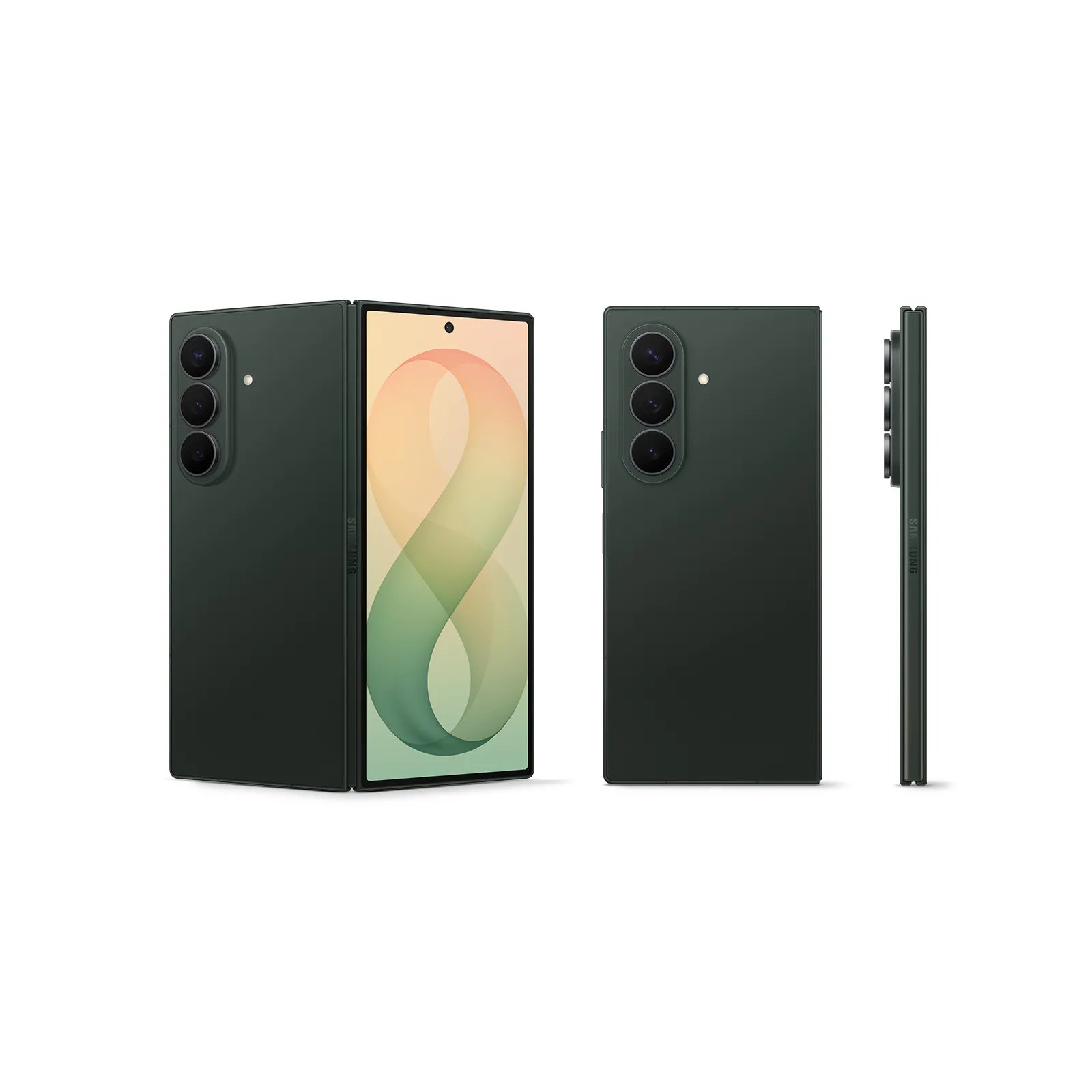
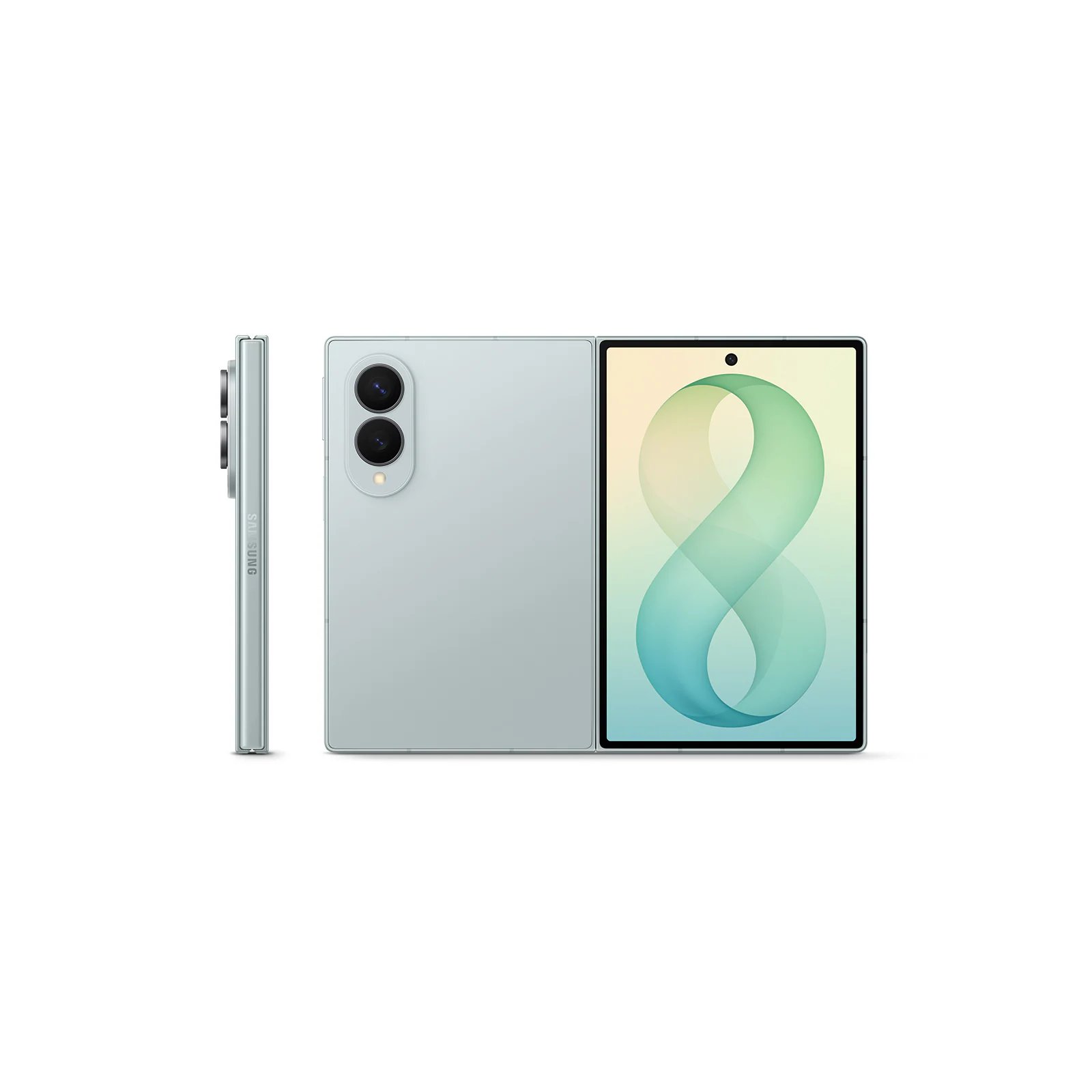
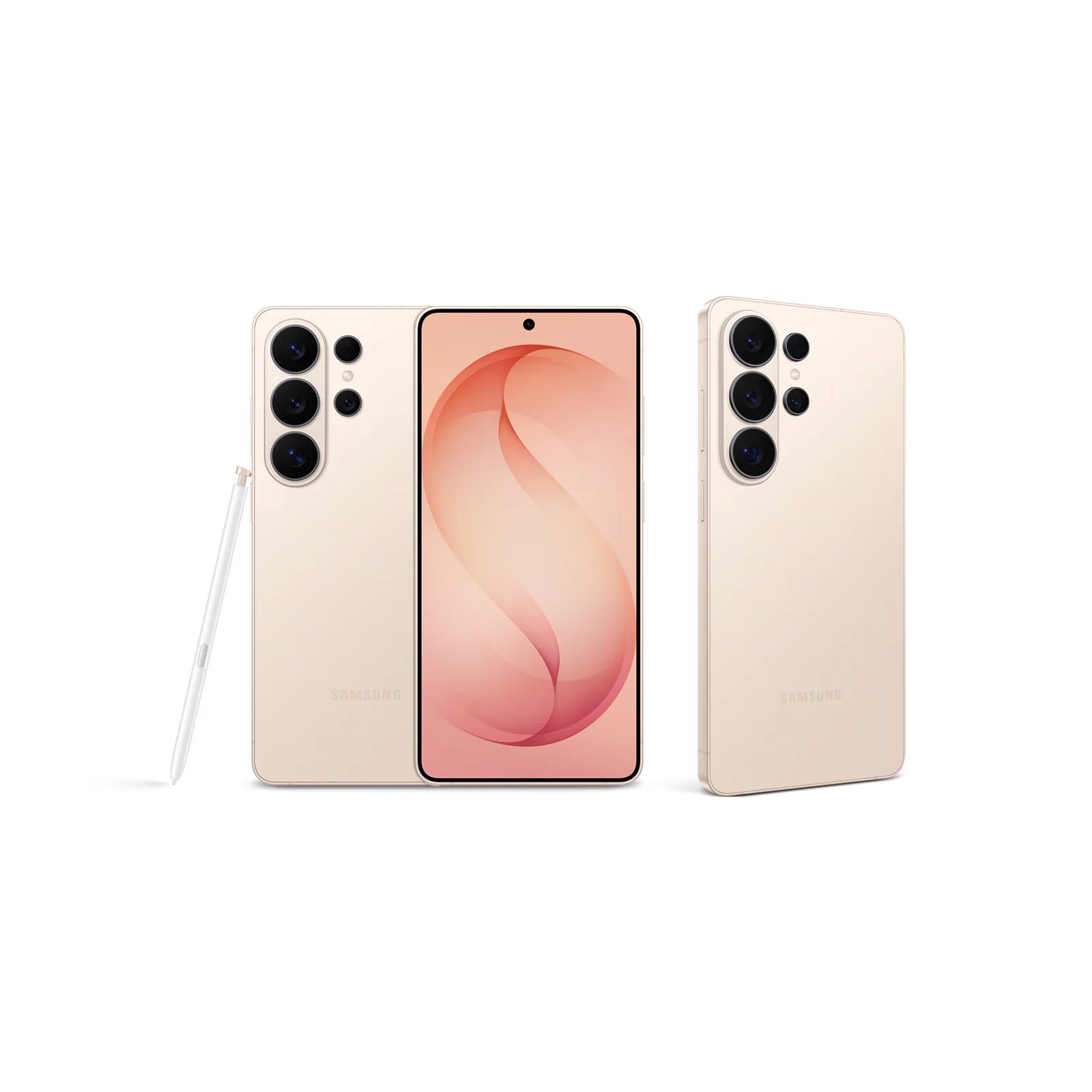
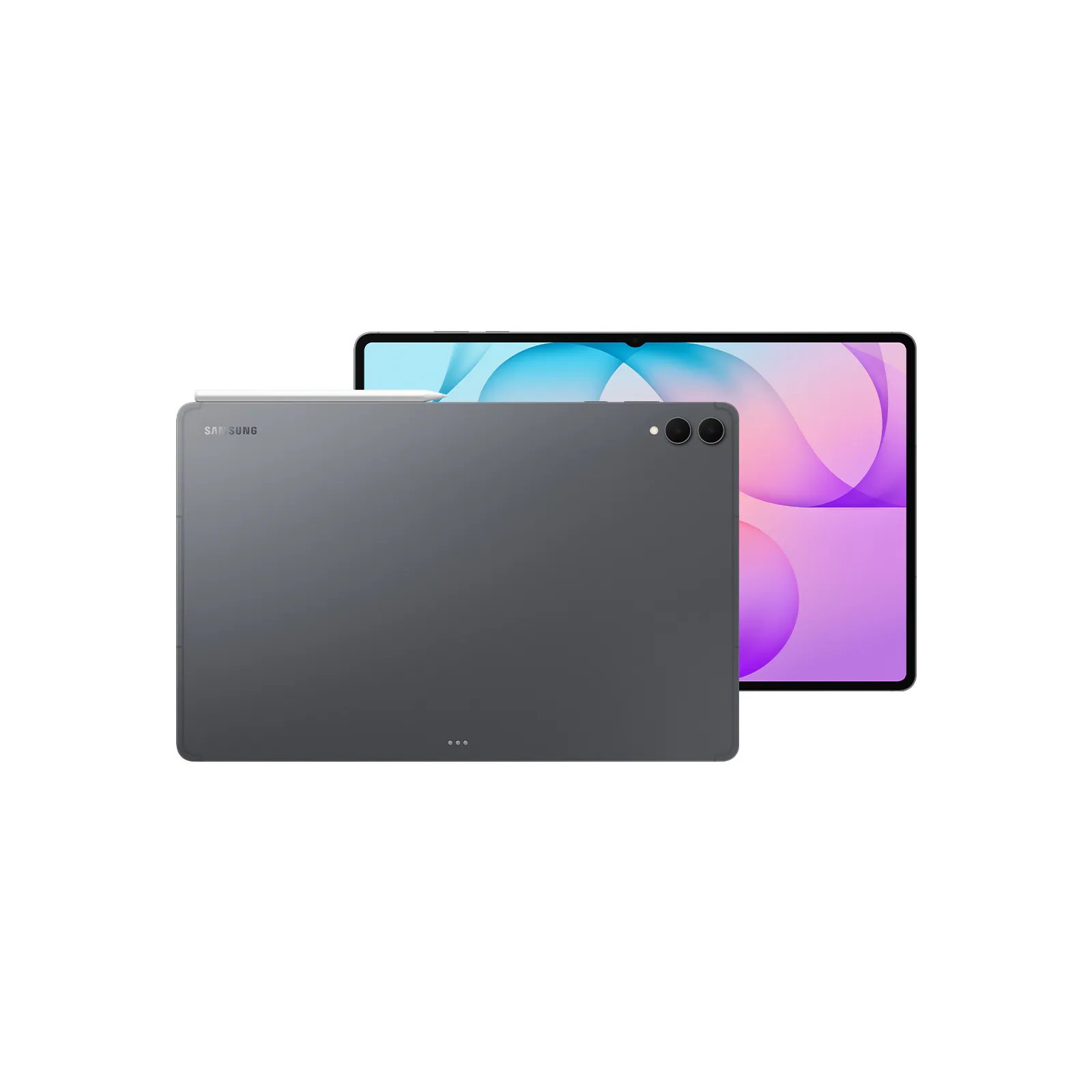
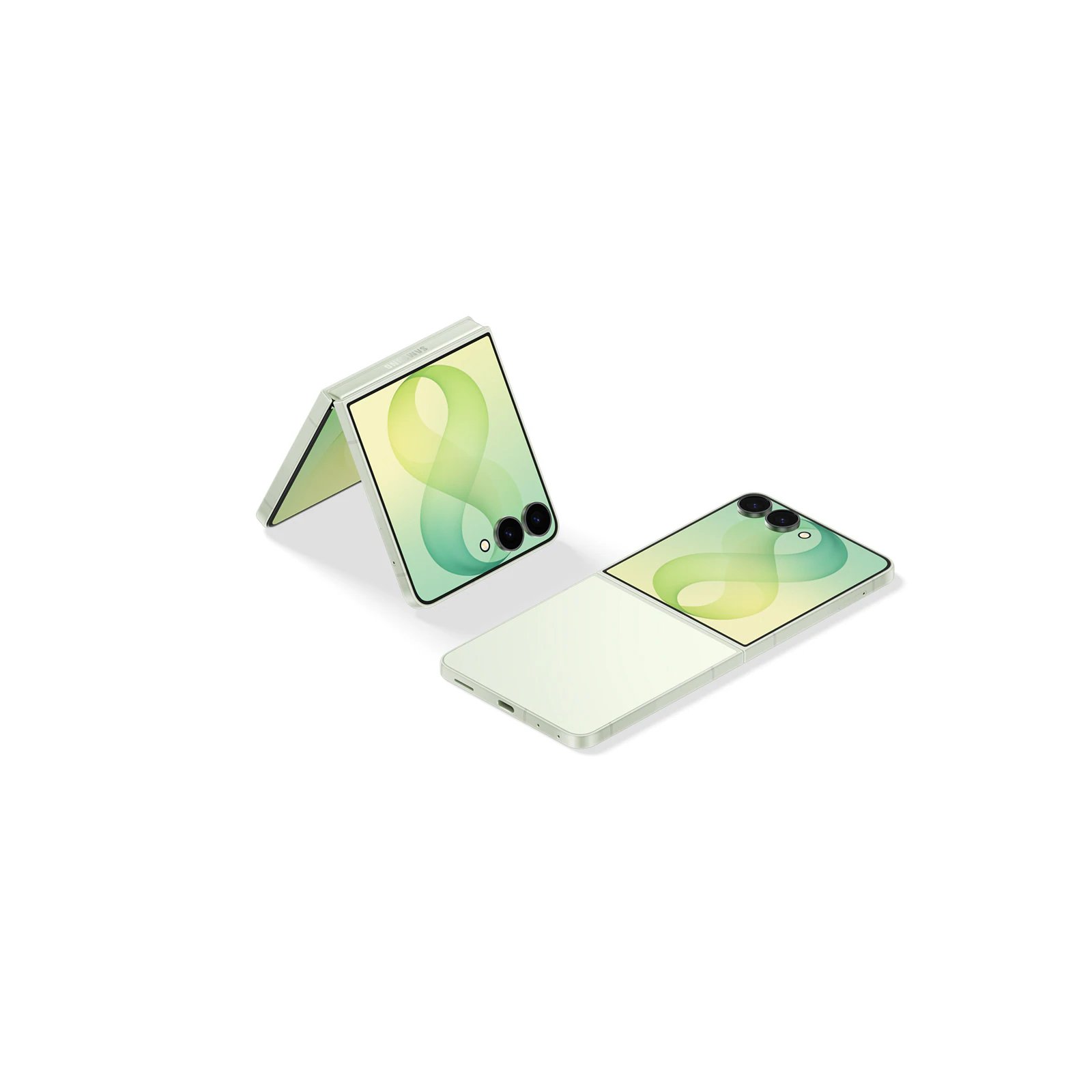
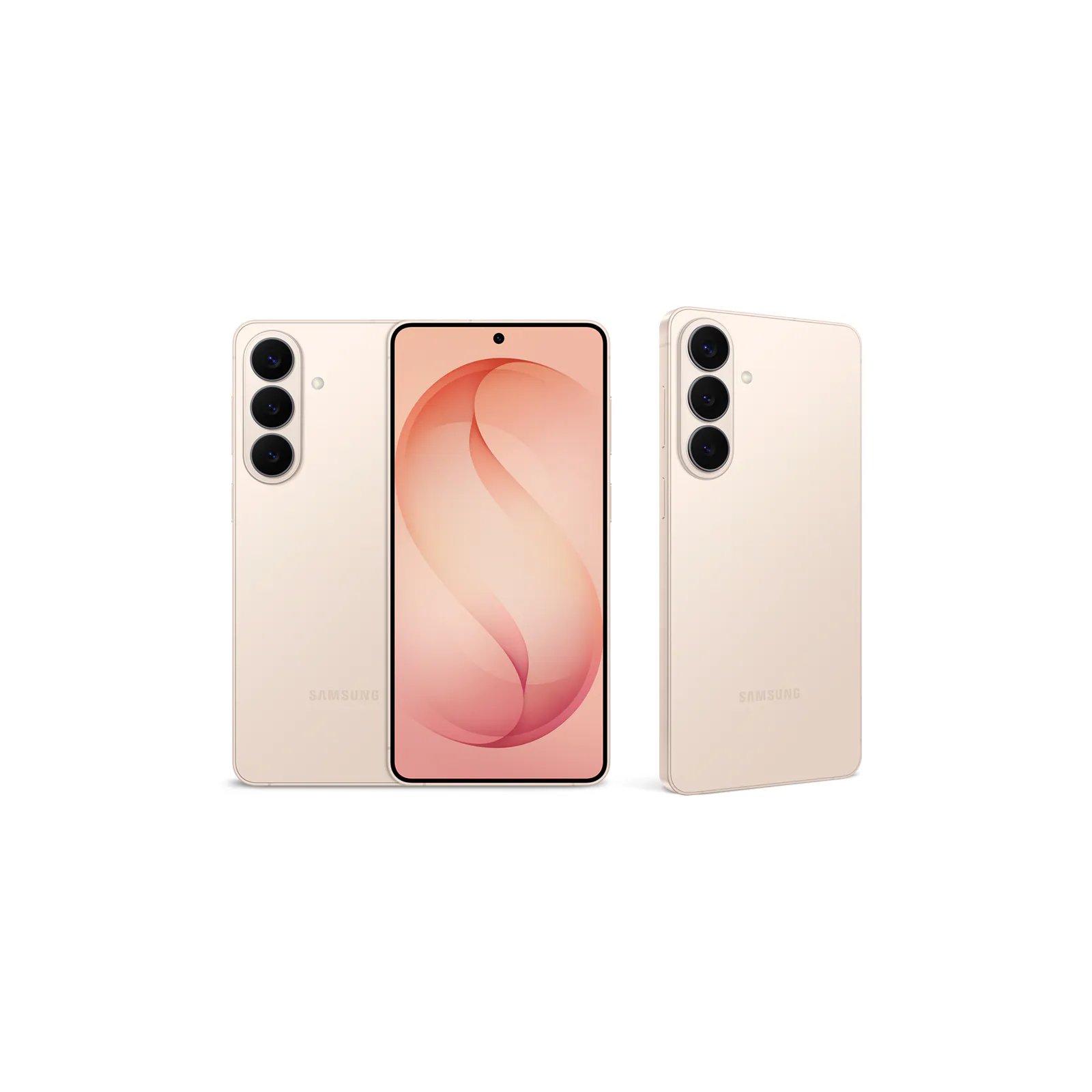
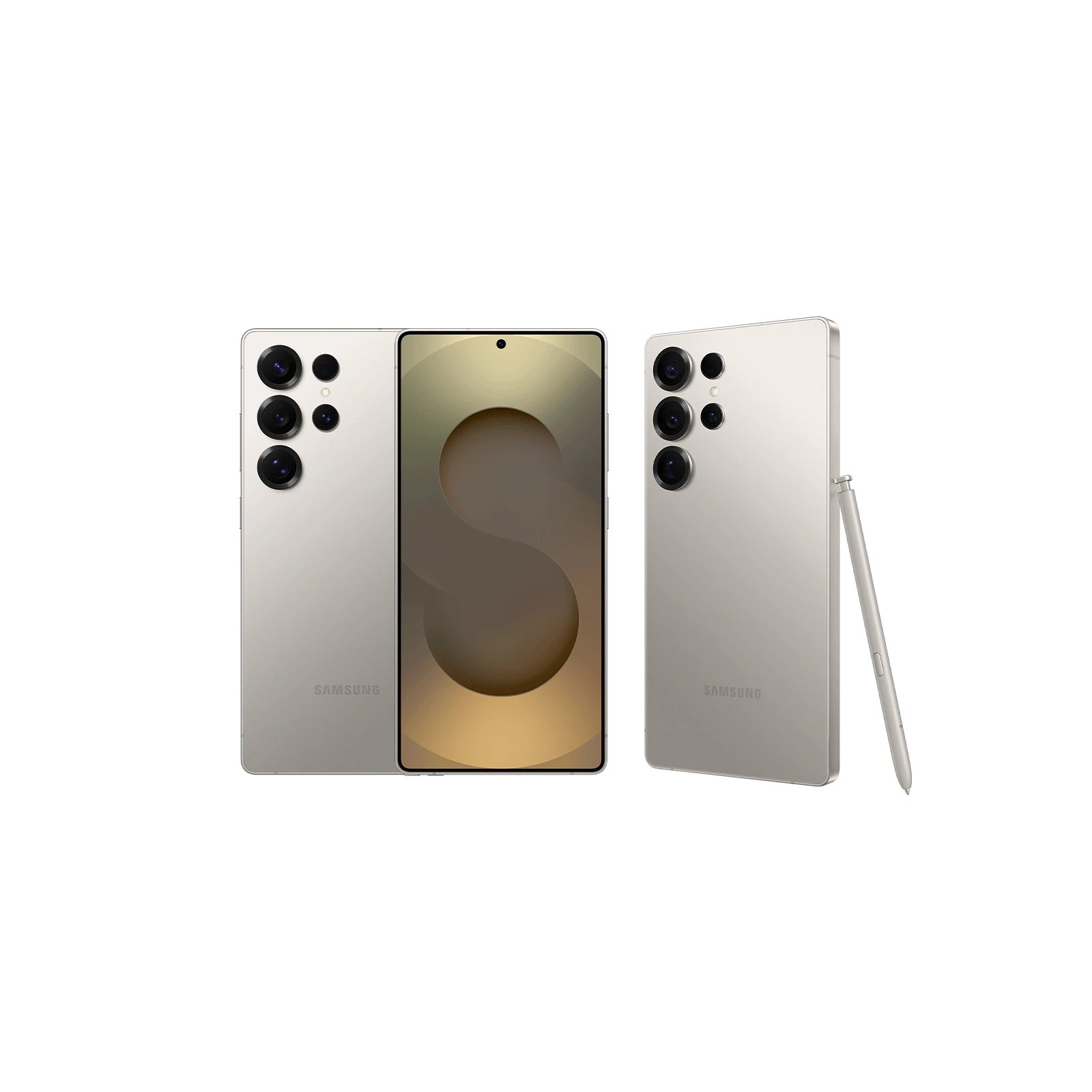

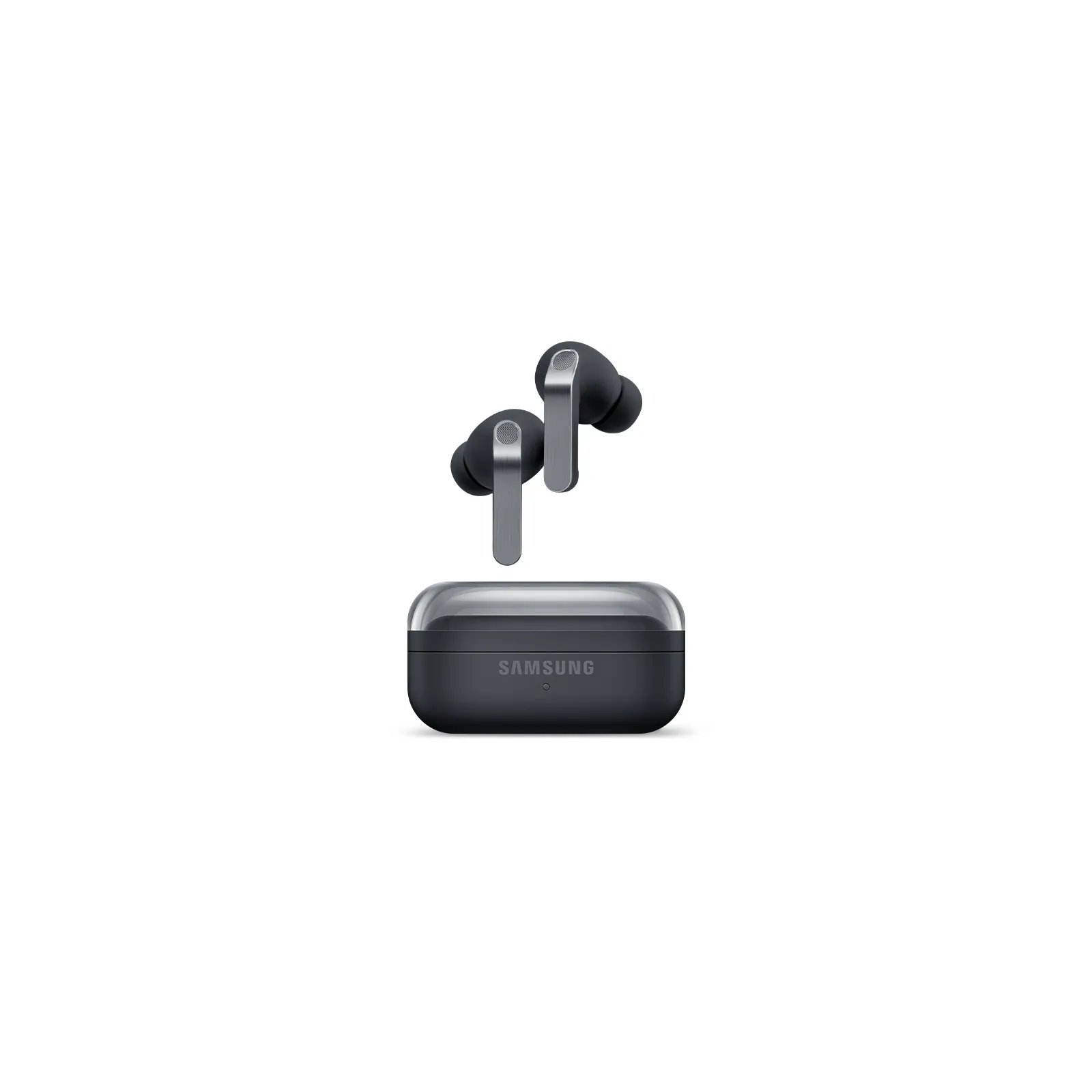
You’ve seen everything from Samsung.
